Notification emails and the audit trail
Two ways of keeping track: what arrives by email, and a record of the changes that matter for rosters, hours and pay.
Choose your emails
Open Settings, then Notifications. The list is short on purpose, and each switch is one kind of email.
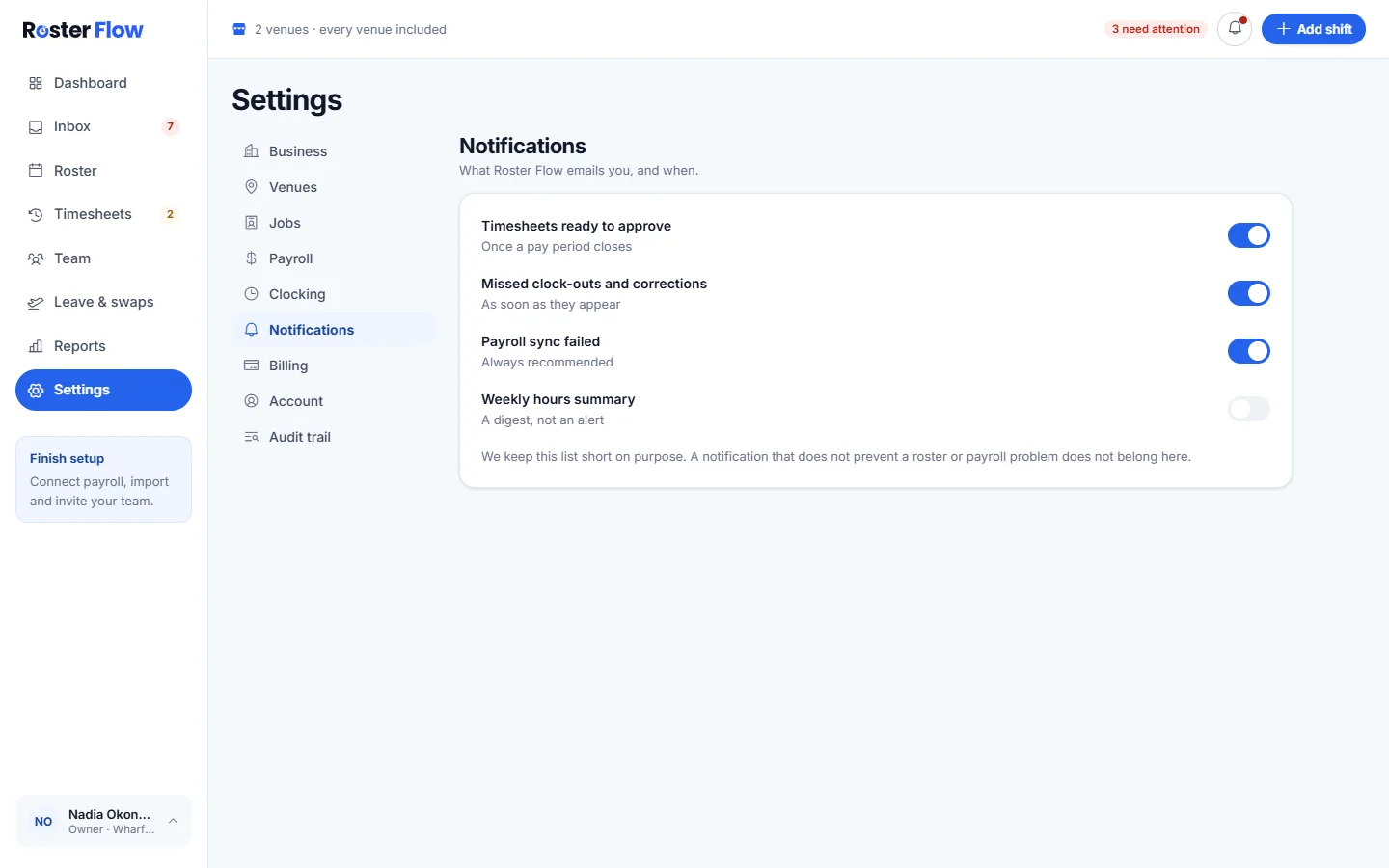
- Timesheets ready to approve, once a pay period closes.
- Missed clock-outs and corrections, as soon as they appear.
- Payroll sync failed, which is always worth keeping on.
- Weekly hours summary, a digest rather than an alert.
Read the audit trail
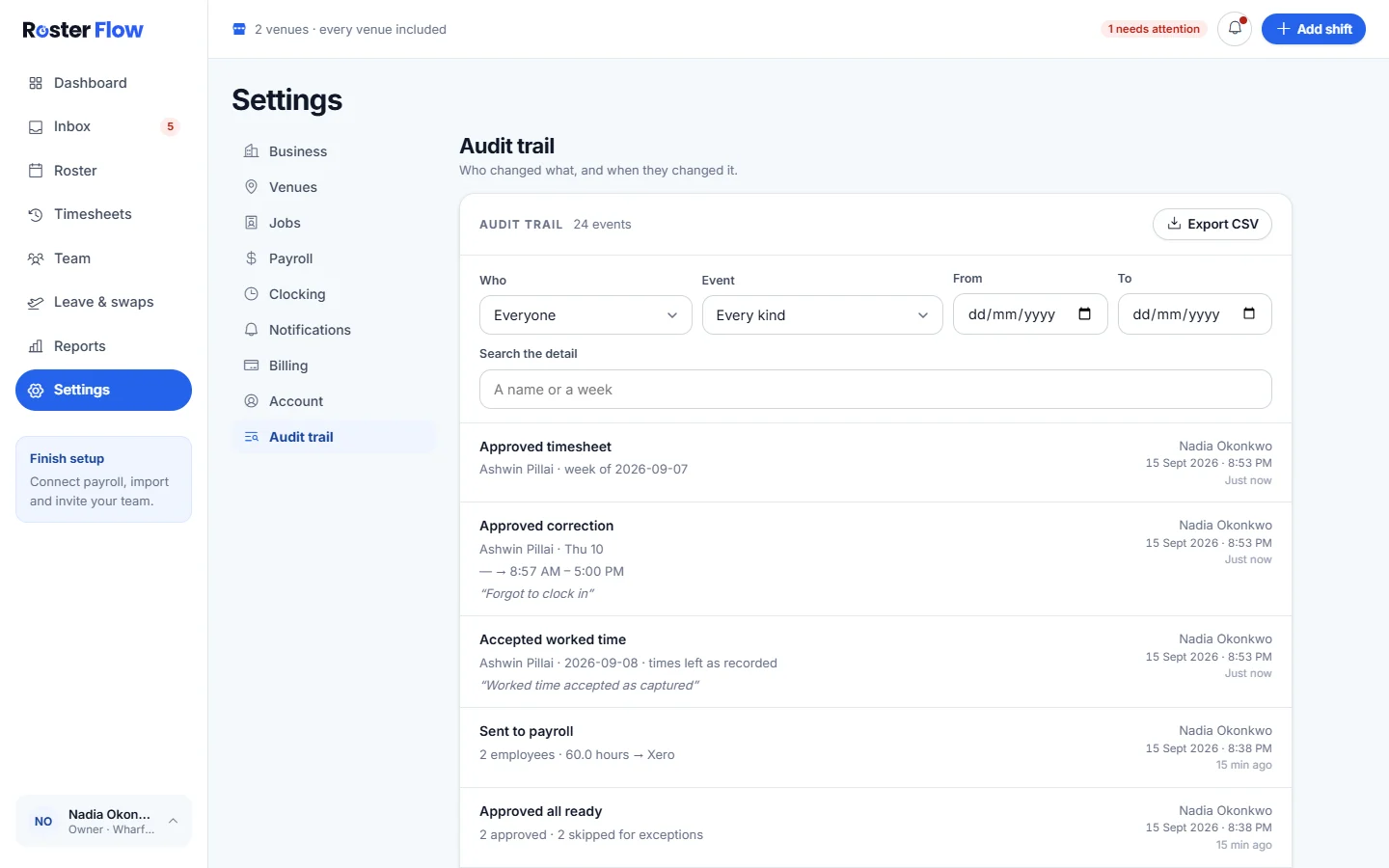
Open Settings, then Audit trail
Each entry says what happened, the detail, who did it and when.
Filter it
Use Who, Event, From and To, or type a name or a week into Search the detail.
Export it
Export CSV downloads the trail as a file for a spreadsheet.
A manager limited to their own venues sees only the changes they made, because an entry does not record which venue it was for. The owner sees all of them.
Questions
Which notification emails can be switched off in Roster Flow?
Timesheets ready to approve, Missed clock-outs and corrections, Payroll sync failed and Weekly hours summary, each with its own switch in Settings, under Notifications.
What does the Roster Flow audit trail record?
Changes that matter for rosters, hours and pay, such as publishing a roster, deciding a correction, changing a pay rate, deactivating somebody and sending hours to payroll, with who did it and when.
Why does a manager only see their own changes in the audit trail?
The business limits managers to the venues they are assigned to, and an entry does not record which venue it was for. So a limited manager sees the changes they made, and the owner sees all of them.
Next
Still stuck? Tell us what you were trying to do and which screen you were on.