Sign in, reset a password and keep the account safe
Everybody has their own login. These are the steps for a forgotten password, a new phone, and a device that should no longer be signed in.
Sign in
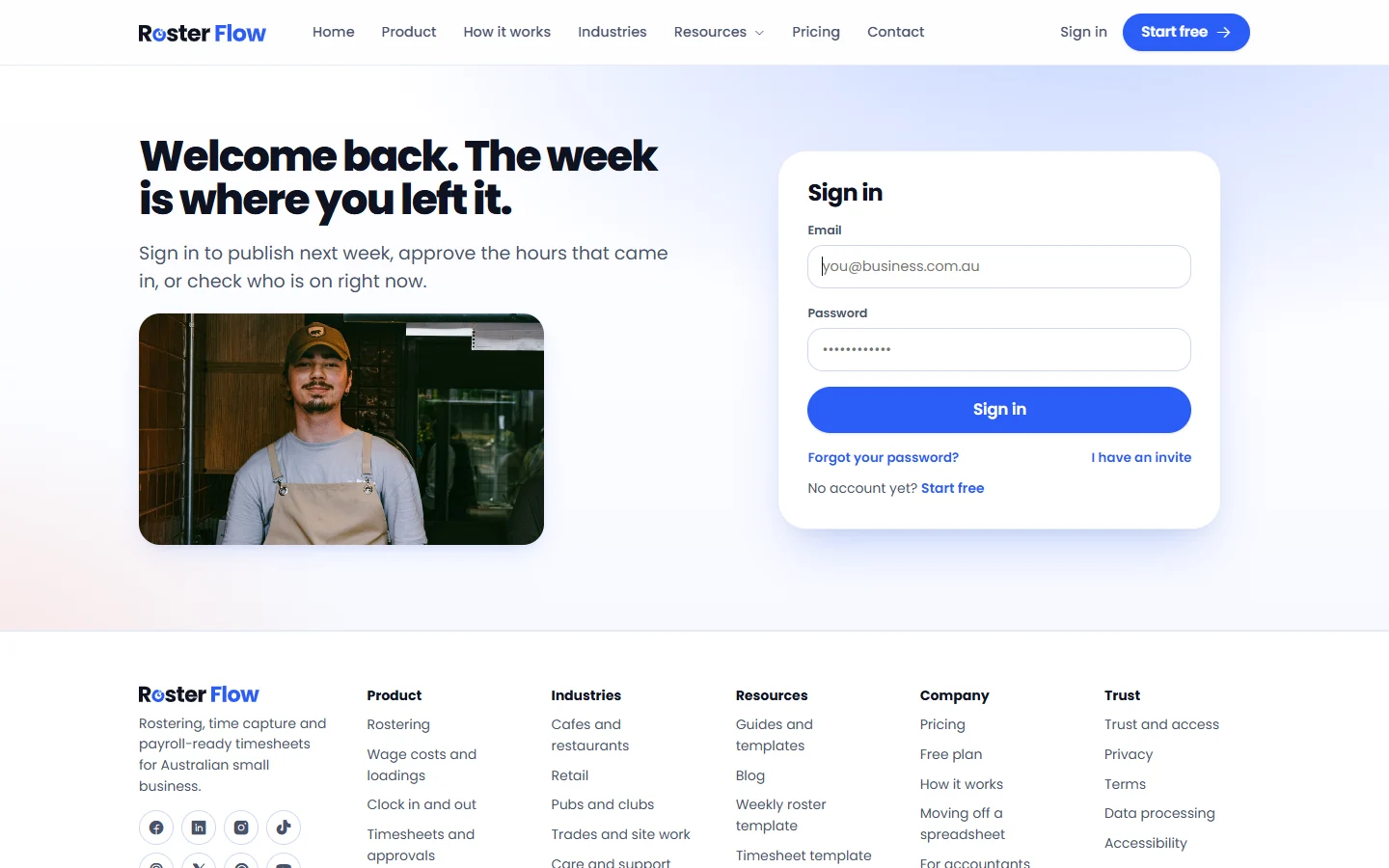
Open the sign in page and enter your Email and Password, then press Sign in. I have an invite is for somebody invited who has not set a password yet.
Reset a forgotten password
Press Forgot your password?
It is under the Sign in button.
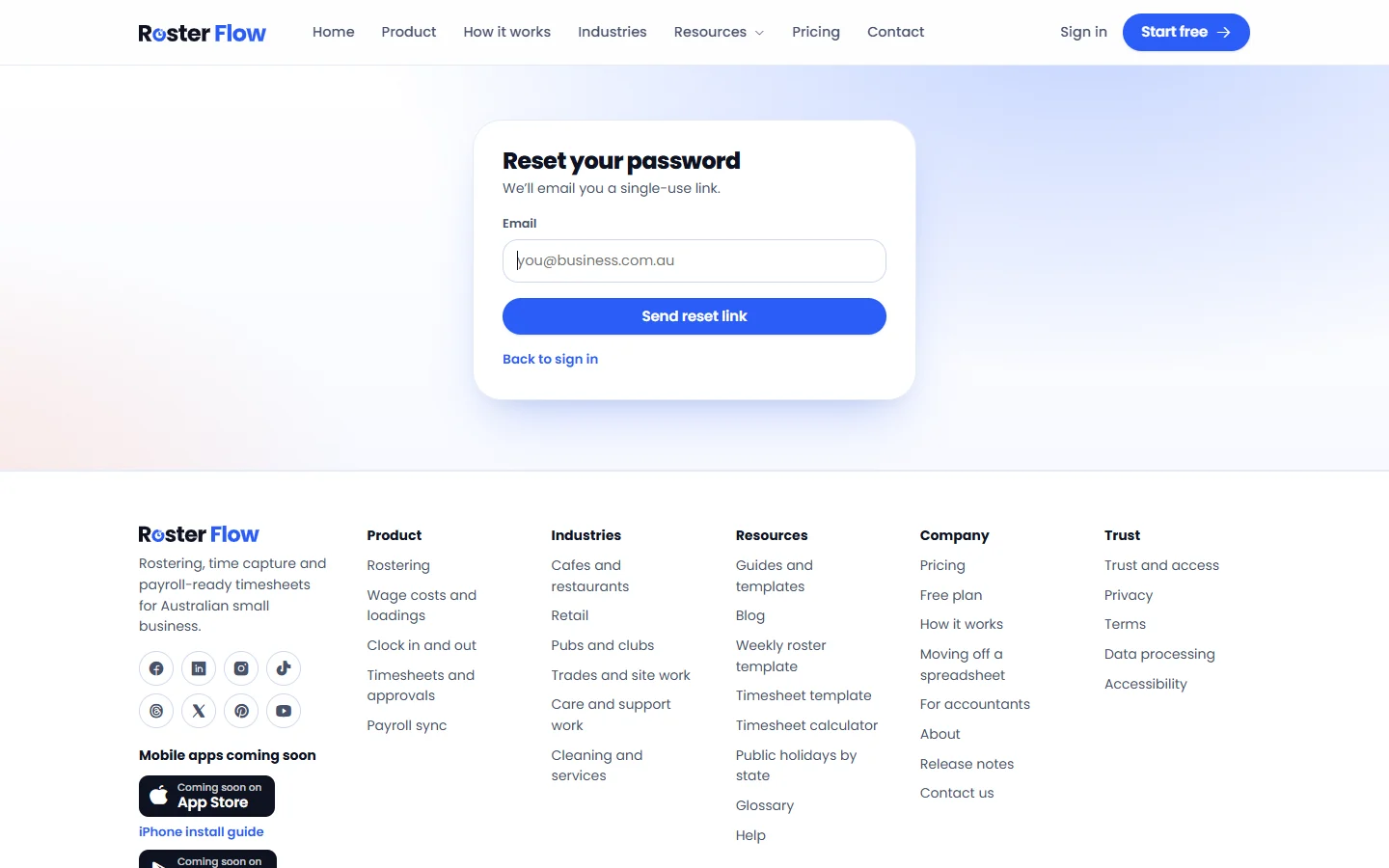
Enter your email and press Send reset link
The email holds a single-use link that works for 60 minutes.
Choose a new password
It needs At least 10 characters and One number or symbol, and cannot be a password used here before.
Change your password
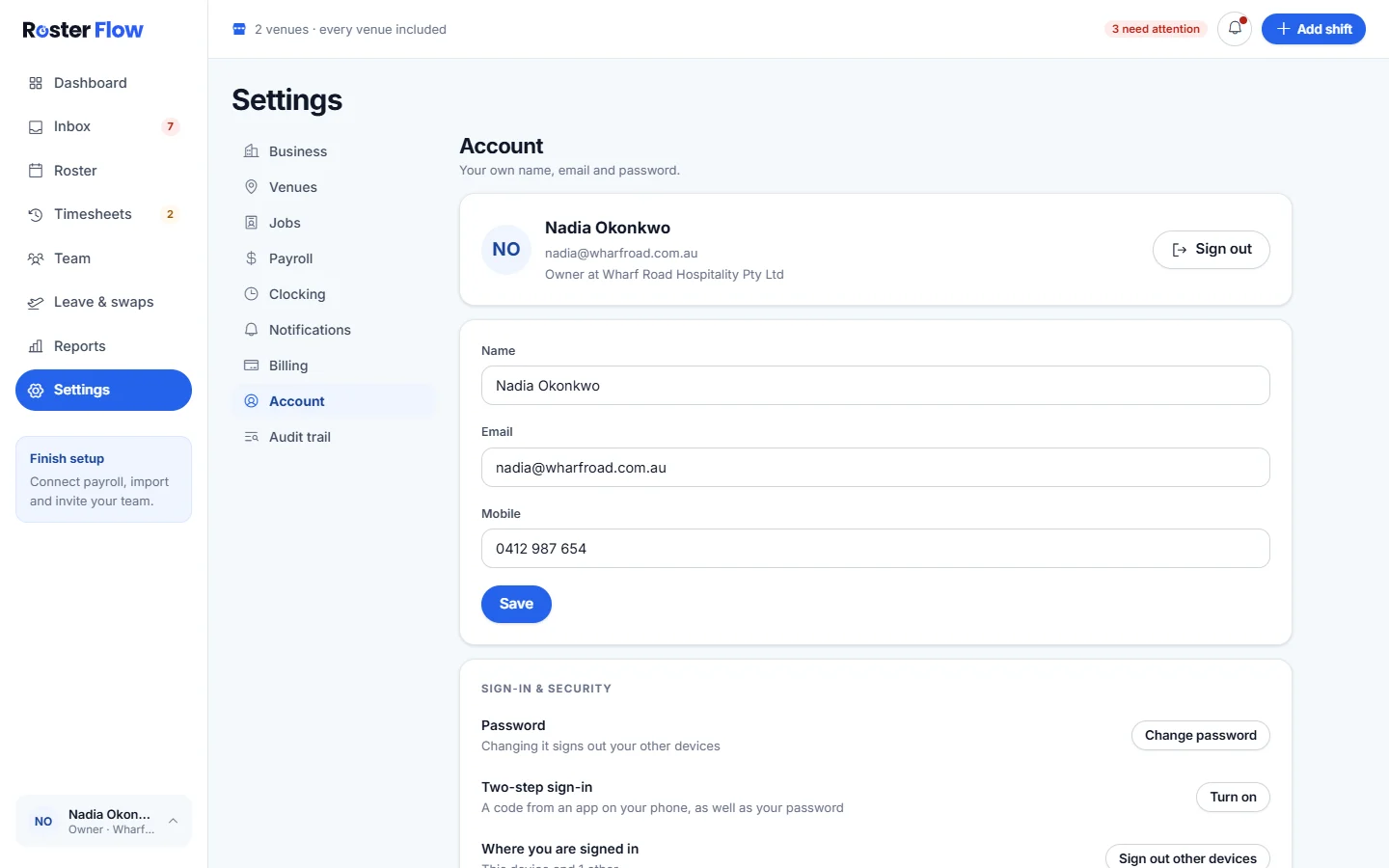
- Owners and managers: Settings, then Account, then Change password under Sign-in & security.
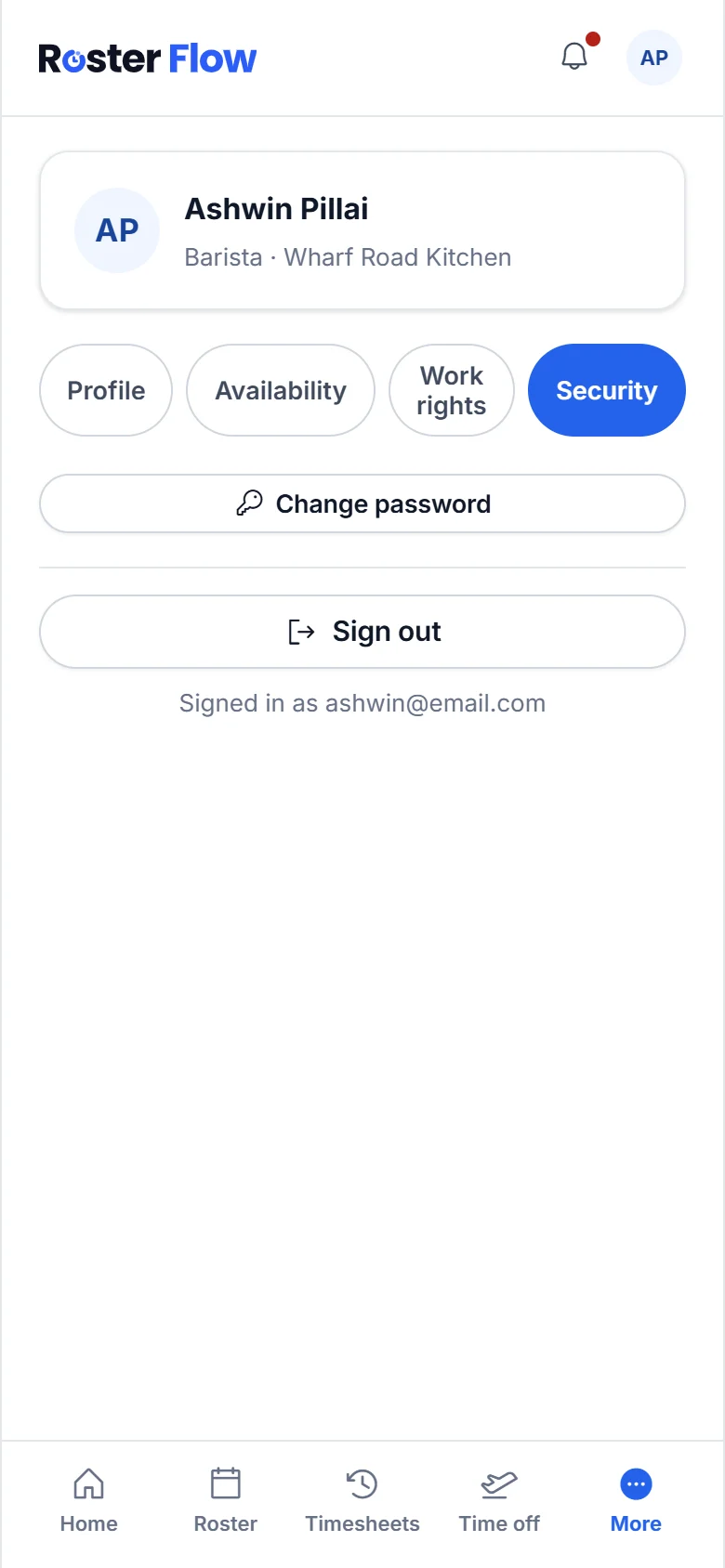
- Staff: More, then Security, then Change password.
- Changing it signs out your other devices.
Turn on two-step sign-in
Owners and managers can add a code from an authenticator app on their phone, as well as the password.
Press Turn on
It is beside Two-step sign-in in Settings, under Account. Add Roster Flow to an authenticator app using what the screen shows.
Enter the code
Type the code the app shows into Code from the app.
Save the recovery codes
Save these recovery codes now lists codes that sign you in when the phone is not to hand. Keep them somewhere safe, away from the phone.
At sign in, enter the code from the app, or one of the recovery codes. Turn off two-step sign-in asks for Your password.
Sign out other devices
Where you are signed in lists each device, and Sign out other devices ends every session except the one you are using. On a staff phone, More, then Security, then Sign out signs that phone out.
Questions
How long does a password reset link last?
It works once, for 60 minutes. If it has run out, go back to Forgot your password? on the sign in page and send a new one.
What if I lose the phone with my authenticator app?
Sign in with one of the recovery codes saved when two-step sign-in was turned on. Then turn two-step sign-in off and on again from Settings, under Account, to set up the new phone.
Does changing my password sign me out on other devices?
Yes. Changing the password signs out your other devices, so anybody who had your old password is signed out as well.
Next
Still stuck? Tell us what you were trying to do and which screen you were on.