See your leave balance
The figure on the Time off tab is read from the payroll system, not worked out here. That is why it matches your payslip, and why Roster Flow cannot settle an argument about it.
Open Time off in the staff app. Your balance is at the top, above your requests.
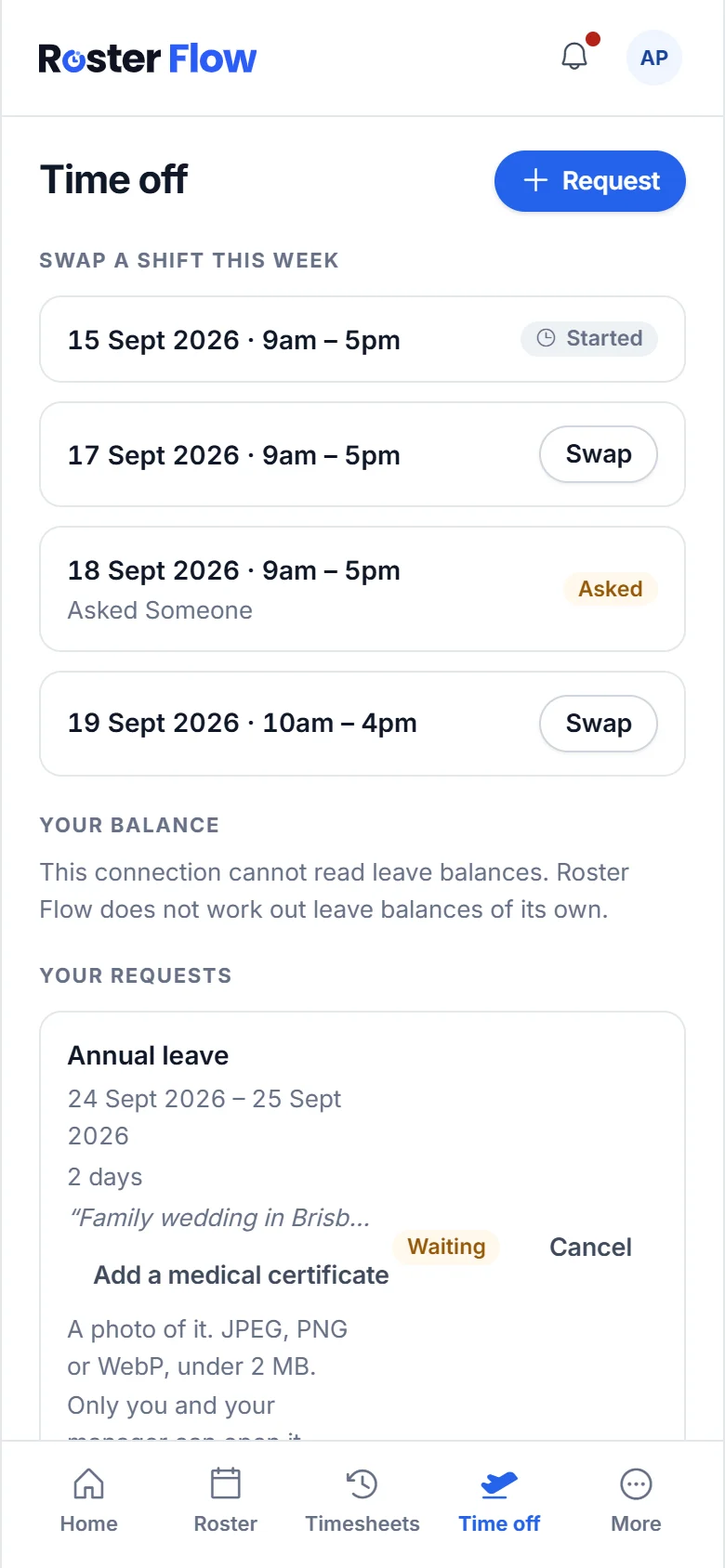
What the figures are
- One row for each kind of leave payroll holds, with the amount and the unit it is counted in.
- A line underneath says it came straight from the payroll system and was read just now, so you can tell a live figure from a stale one.
- Roster Flow does not work out leave balances of its own. It shows what payroll says and nothing else.
Why a request you have already sent is not taken off
A request that has not been through payroll has not cost anything yet, and what it will cost is a payroll question rather than a rostering one. Taking a guess off the figure here would make it disagree with your payslip, which is the one thing a balance must not do.
When there is no balance to show
The screen says why instead of showing a number. The usual reasons are that the business has not connected a payroll system, or that your Roster Flow profile is not linked to an employee record in it yet. Either way your manager can sort it, and asking for leave still works in the meantime.
Questions
Why does my leave balance not go down when I request leave?
The figure comes from payroll, and a request that has not been through payroll has not changed it. What a request costs is worked out in payroll, so taking a guess off it here would make it disagree with your payslip.
Why can I not see a balance at all?
Either the business has not connected a payroll system, or your profile is not linked to an employee record in it yet. The screen says which. You can still ask for time off.
My balance looks wrong. Who do I ask?
Your manager, and the answer will come from the payroll system. Roster Flow reads that figure rather than working it out, so it cannot be corrected here.
Next
Still stuck? Tell us what you were trying to do and which screen you were on.