Change a timesheet after you have approved it
Approving says the hours have been checked, not that they are carved in stone. A week can go back to pending for as long as it has not been sent to payroll.
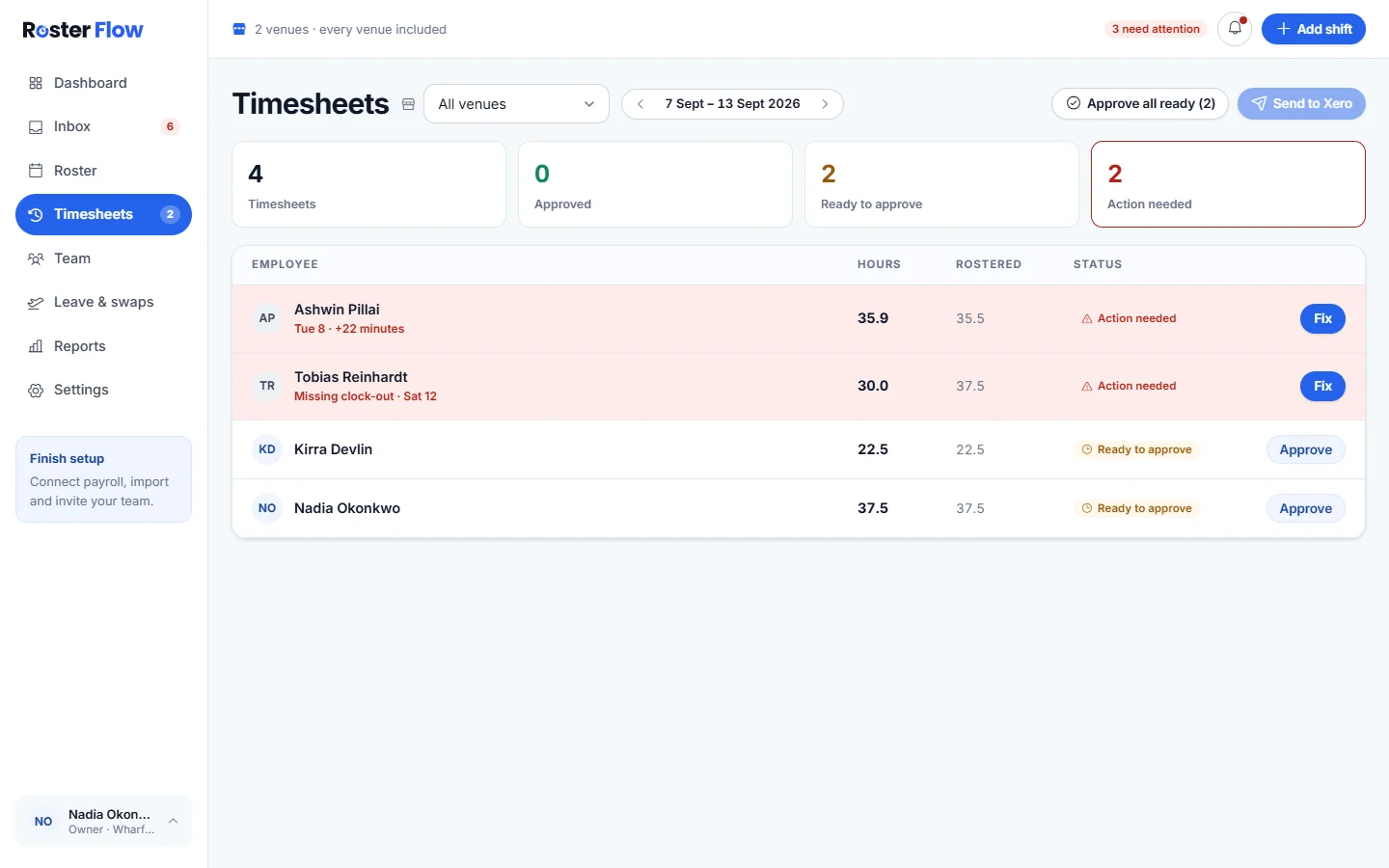
Open Timesheets, find the person and press Fix to open their week. Reopen is at the bottom, beside Approve timesheet, and only on a week that is approved.
Open the approved week
Move to the week with the arrows beside the dates, then open the person whose hours need changing.
Press Reopen
The week goes back to pending, and the record of who approved it and when is cleared, because it is no longer true.
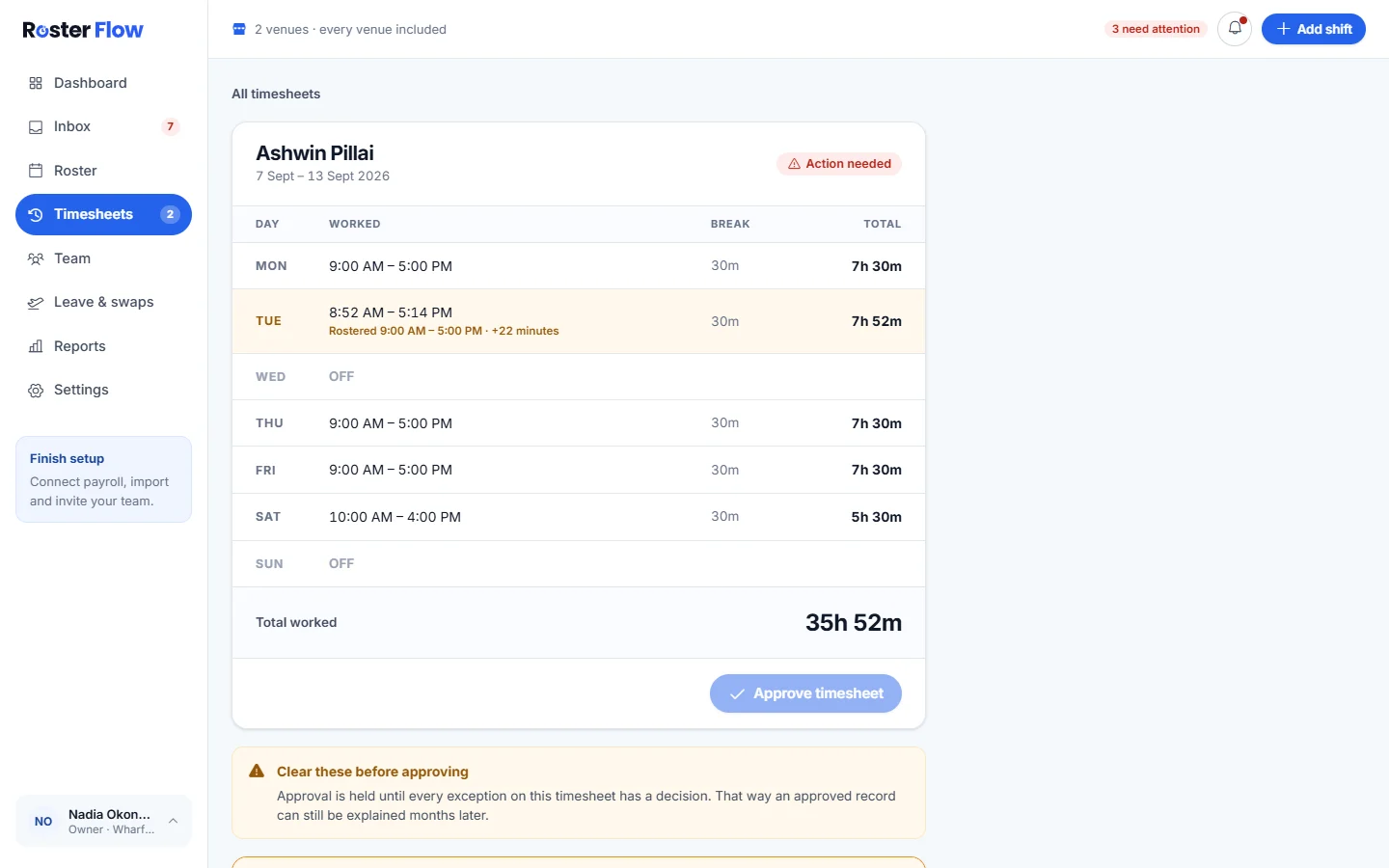
Change what needs changing, then approve again
Everything that was available before approving is available again. Approve timesheet closes the week a second time.
What reopens a week without anybody pressing Reopen
A week that is approved and then changes reopens itself, because an approval that no longer describes the hours underneath it would be worse than no approval.
- Somebody clocks in or out on a day inside an approved week.
- A manager edits the times on an entry.
- A correction request for that week is approved.
Once it has gone to payroll
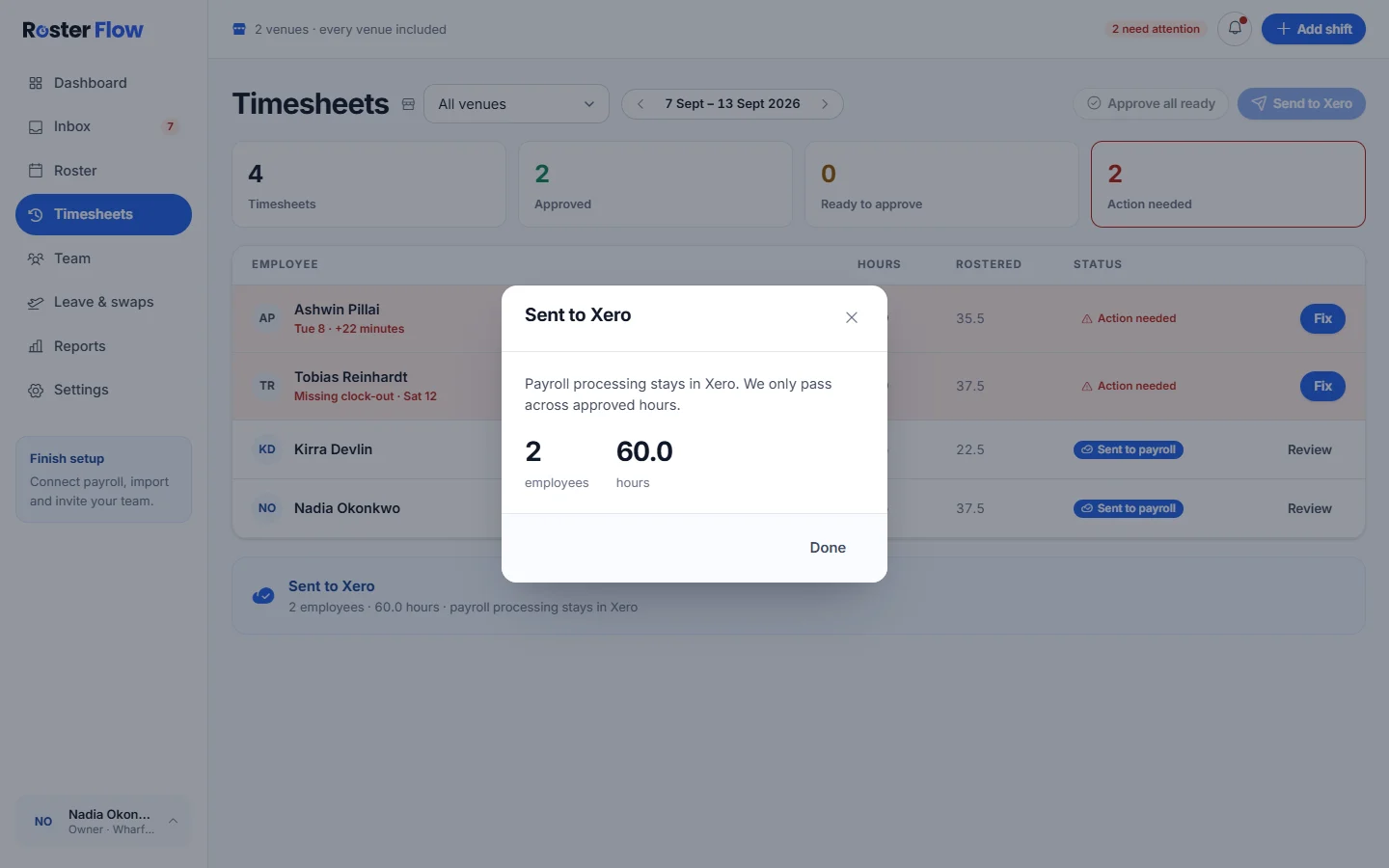
A week that has been sent is marked Sent to payroll and has no Reopen button. Nothing here can unsend it, because the hours are in the payroll system now and only that system can change them. Fix it there, and treat the Roster Flow record as the history of what was sent.
Questions
Does reopening a timesheet delete the hours?
No. It puts the week back to pending and clears who approved it and when. Every clock in, break and correction on it stays exactly as it was.
Why is there no Reopen button on this timesheet?
Reopen appears only on a week that is approved. A week still pending has nothing to reopen, and a week already sent to payroll cannot be reopened because the hours now live in the payroll system.
Somebody clocked in on a week I had already approved. What happens?
The week reopens by itself and the new hours are on it, so the approval always describes the hours underneath it. Check the week and approve it again.
Can a manager limited to their own venues reopen a timesheet?
Yes, for the people at the venues they are assigned to. A timesheet for somebody at another venue is refused.
Next
Still stuck? Tell us what you were trying to do and which screen you were on.